Why Your Shopify Store Is Slow (It's Probably Not Your Theme)

TL;DR: If your Shopify store feels slow, it's rarely your theme's fault — it's almost always the apps stacked on top of it. Every app you install adds its own script, and most stores end up running far more than they actually need. Run a free speed test to see your real score, then find out which apps are actually to blame.
Shopify themes are built to be fast out of the box. So when a store owner tells us their site feels sluggish, the theme is almost never the actual reason — it's what's been added on top of it, one app install at a time.
The #1 Cause of Slow Shopify Stores: App Bloat
Every app in the Shopify App Store adds at least one script to your storefront. A review widget, an upsell popup, a live chat box, a countdown timer, an "also bought" recommendation carousel — each one loads its own JavaScript, on every single page, whether a visitor uses it or not.
Individually, most apps feel harmless. Installed together over months of "let's just try this one," they add up to a storefront quietly loading dozens of extra scripts on every page view.
Signs App Bloat Is Slowing Your Store
- Product pages feel noticeably slower than your homepage
- The page "jumps" or shifts as widgets and popups load in after the main content
- You've installed apps you no longer actively use or remember why you added
- Your speed score is fine on a fresh theme preview but drops on your live store

Check Your Real Score First
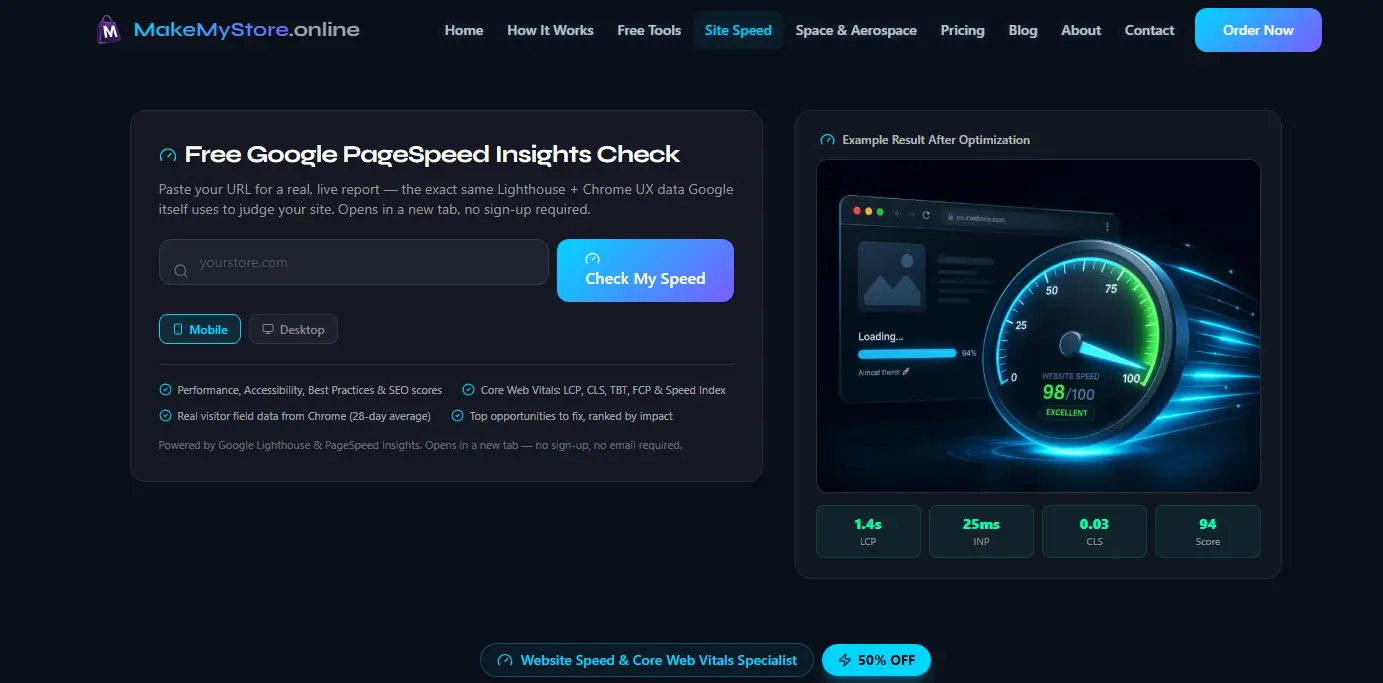
Before uninstalling anything or guessing at what's slow, get an actual measurement. Our free Website Speed Test runs a real Google Lighthouse + PageSpeed Insights scan — the same data Google itself uses — on your live Shopify storefront:
- Performance, Accessibility, Best Practices, and SEO scores
- Core Web Vitals — LCP, CLS, TBT, FCP, Speed Index, and server response time
- Real-visitor field data, when available
- Top opportunities to fix, ranked by impact
No sign-up, no email, about 2 minutes. Test your homepage and a product page separately — product pages usually carry the most app scripts and often score worse.
Run My Free Speed Test →Common Shopify Speed Culprits
| Culprit | Typical Fix |
|---|---|
| Unused or duplicate apps | Audit installed apps, remove anything not actively driving sales |
| Oversized product images | Compress and serve responsive, correctly sized images |
| Review, upsell, and popup widgets | Load only where needed, defer non-critical scripts |
| Extra tracking pixels stacked over time | Consolidate and remove redundant tracking scripts |
| Heavy theme customizations/apps in the header | Move non-essential scripts out of render-blocking positions |
Why "Just Uninstall Some Apps" Isn't Always Safe
Removing the wrong app, or removing it the wrong way, can leave orphaned code snippets in your theme that keep slowing things down even after the app is gone — or worse, break a feature you actually rely on. Shopify app cleanup on a live, selling store needs to be done carefully, one change at a time, with a way to undo it if something breaks.
Our process is the same for every store we work on:
- Confirm a rollback plan before touching anything
- Make changes one at a time
- Test each fix before moving to the next
Your store stays fully functional and sellable throughout — nothing goes live untested.
Get My Free Report & See Fix Plans →Optimization Packages
| Package | Price | Fiverr Price (50% off) |
|---|---|---|
| Basic | $149.50 | |
| Standard | $349.50 | |
| Premium | $649.50 |
Shopify is our most common platform, but we also work on WordPress, Wix, Next.js, and fully custom builds.
Your theme probably isn't the problem — your app list probably is. Run the free check to see your real score, then let's find out exactly which apps are costing you speed.