Why Your React, Next.js, or Vite Site Fails PageSpeed (And How to Fix It Without Breaking Anything)
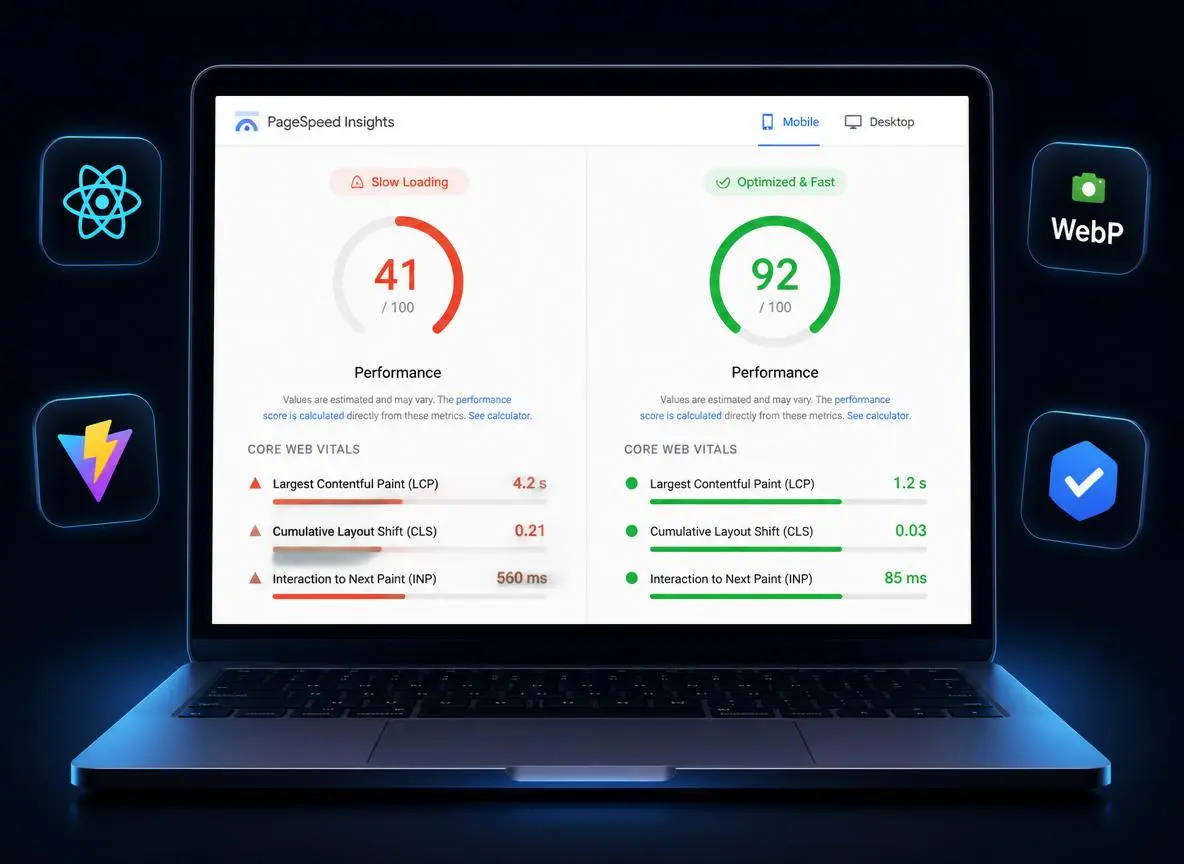
TL;DR: A red PageSpeed score on a React, Next.js, or Vite site is almost always caused by a handful of well-known issues — oversized images, unused JavaScript, render-blocking resources, and missing caching headers. None of these require a rebuild. A one-change-at-a-time audit typically gets modern frontends to 90+ on both mobile and desktop.
You run your site through Google PageSpeed Insights, GTmetrix, or Lighthouse, and the score comes back red. Maybe it's a 40. Maybe it's a 60 that still feels slow to real visitors. Either way, you're left with a wall of technical suggestions — “reduce unused JavaScript,” “properly size images,” “eliminate render-blocking resources” — and no clear idea what to actually do about them.
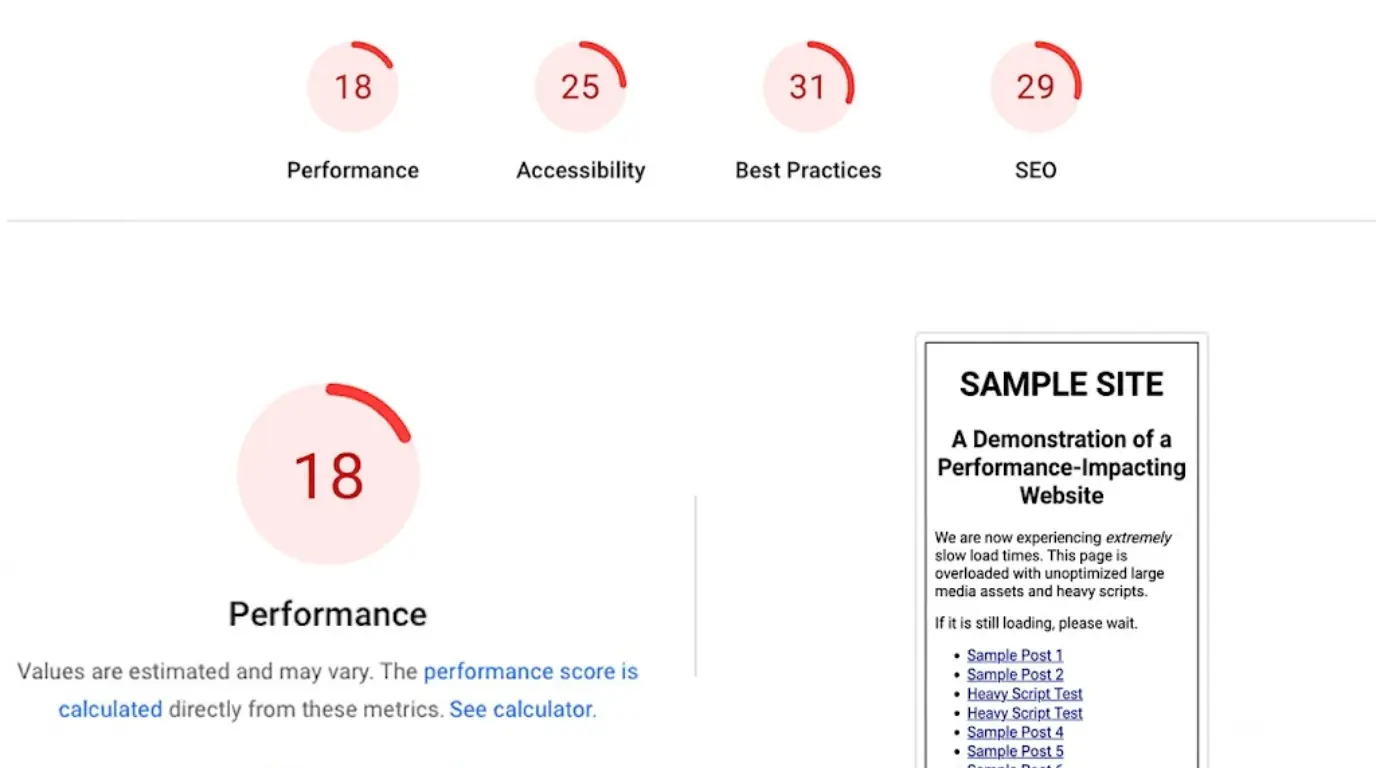
If your site is built with React, Vite, Next.js, or a Supabase-backed stack, this is one of the most common growing pains of a modern frontend. The good news: it's almost always fixable, and it doesn't require a rebuild.
Why Modern Frontends Score Low on Speed Tests
Frameworks like React and Next.js give you a great developer experience, but that flexibility comes with tradeoffs that quietly hurt performance:
- Uncompressed or oversized images. A single unoptimized hero image can cost more load time than everything else on the page combined.
- JavaScript that loads before it's needed. Component libraries, animation packages like Framer Motion, and third-party scripts often ship in the initial bundle even when they're not needed above the fold.
- Render-blocking resources. Fonts, CSS, and scripts that block the browser from painting the page.
- No lazy loading or code splitting. Everything loads at once instead of when the user actually needs it.
- Missing caching headers, especially on platforms like Vercel and Netlify where the defaults aren't always tuned for your setup.
None of these are bugs. They're just what happens when a site grows and nobody has gone back to specifically optimize for Core Web Vitals.
The Real Cost of a Slow Site
A low PageSpeed or GTmetrix score isn't just a vanity number:
- Google uses Core Web Vitals as a ranking factor, so a slow site can quietly hurt your SEO.
- Visitors leave. Every extra second of load time increases bounce rate, especially on mobile.
- Conversions drop. For SaaS dashboards, ecommerce stores, and landing pages, speed is directly tied to revenue.
If your site is your business's front door, a slow one is costing you more than you think.
The Right Way to Fix It (Without Breaking Your Site)
Speed optimization on a live site is sensitive work — one bad change and you can end up with broken layouts, missing images, or a form that stops submitting. The fix isn't to guess at random from a checklist. It's a controlled process:
- Audit first. Run Lighthouse and PageSpeed Insights to find the actual bottlenecks on your site — not generic advice.
- Fix one thing at a time. Images, lazy loading, render-blocking resources, JS execution time, caching, fonts — each change is made, tested, and committed individually.
- Verify and report. A proper before/after comparison with real scores, so you know exactly what improved and why.
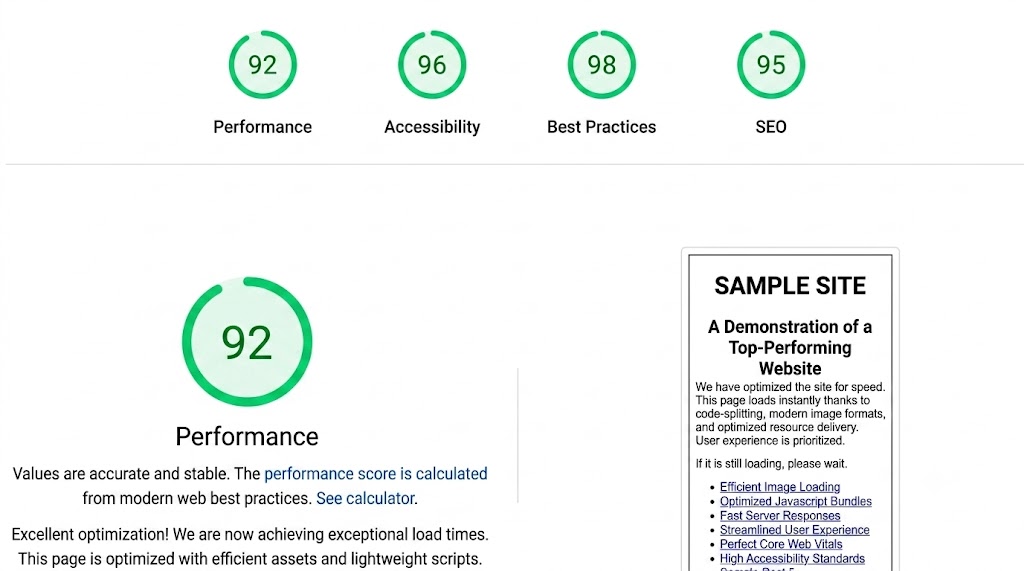
Done this way, a 90+ score on both desktop and mobile is a realistic outcome for most React, Vite, and Next.js sites — without touching anything that isn't broken.
What Usually Gets Fixed
| Issue | Typical Cause | Fix |
|---|---|---|
| Slow Largest Contentful Paint | Oversized hero image, no lazy loading | WebP conversion, proper width/height, lazy loading |
| High JS execution time | Unused code shipped on every page | Code splitting with React.lazy / Suspense |
| Render-blocking resources | Fonts/CSS loading before first paint | Preloading critical assets, font-display swap |
| Low cache scores | Default Vercel/Netlify headers | Custom caching headers tuned to your assets |
This applies whether you're running a custom landing page, a SaaS dashboard, an ecommerce store, or any modern frontend built with React or Vite — including Tailwind/Shadcn UI and Supabase-backed apps.
Get Your Site Fast Again
If your PageSpeed, GTmetrix, or Lighthouse score is holding your site back, it's usually a fixable, well-understood problem — not a rebuild. A careful, one-change-at-a-time audit is enough to get most modern frontends into the 90+ range.
Get a Free Speed Audit → Order the Gig on Fiverr →
Have a slow site you want checked? Reach out for a free initial speed check — no obligation, any platform.